TechNest
Start

Guides · Security

Move a site from HTTP to HTTPS

When the certificate is open, a lock appears at the start of the address. The old http address should also turn into the new one.

Do the redirect both in the panel and in the site’s own setting. If one of them is missing, the browser shows a mixed warning.
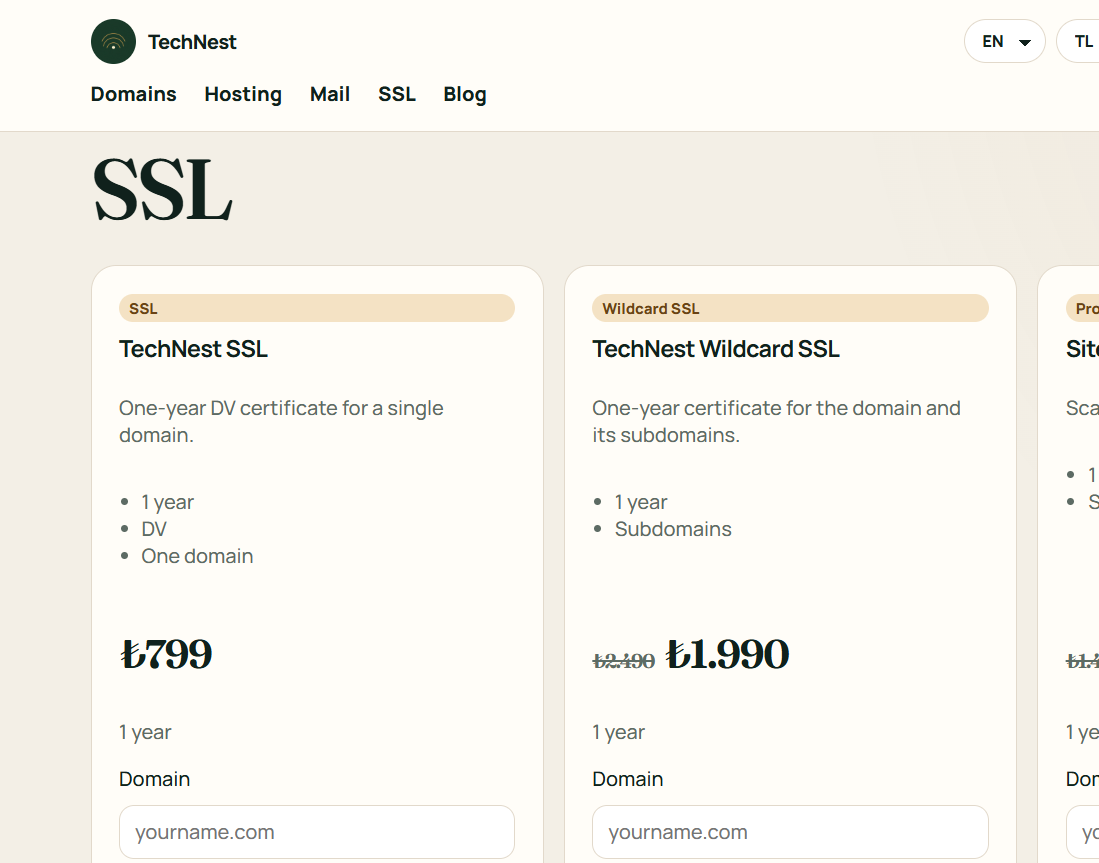

  1. After the SSL is paid, see in the panel that the certificate is open.
  2. In cPanel or Plesk, redirect http to https.
  3. In WordPress set the site address to https, then try a private window.

Related guides

Move a site from HTTP to HTTPS · TechNest Hosting