TechNest
Start

Guides · Security

How an SSL certificate attaches to the site

The certificate is why the browser shows a lock. It attaches to the domain. It does not replace hosting.

When you buy, type the name you want covered. After payment the request opens for that name. The confirmation message arrives in a mailbox on that domain. If you have no mailbox yet, open mail first.
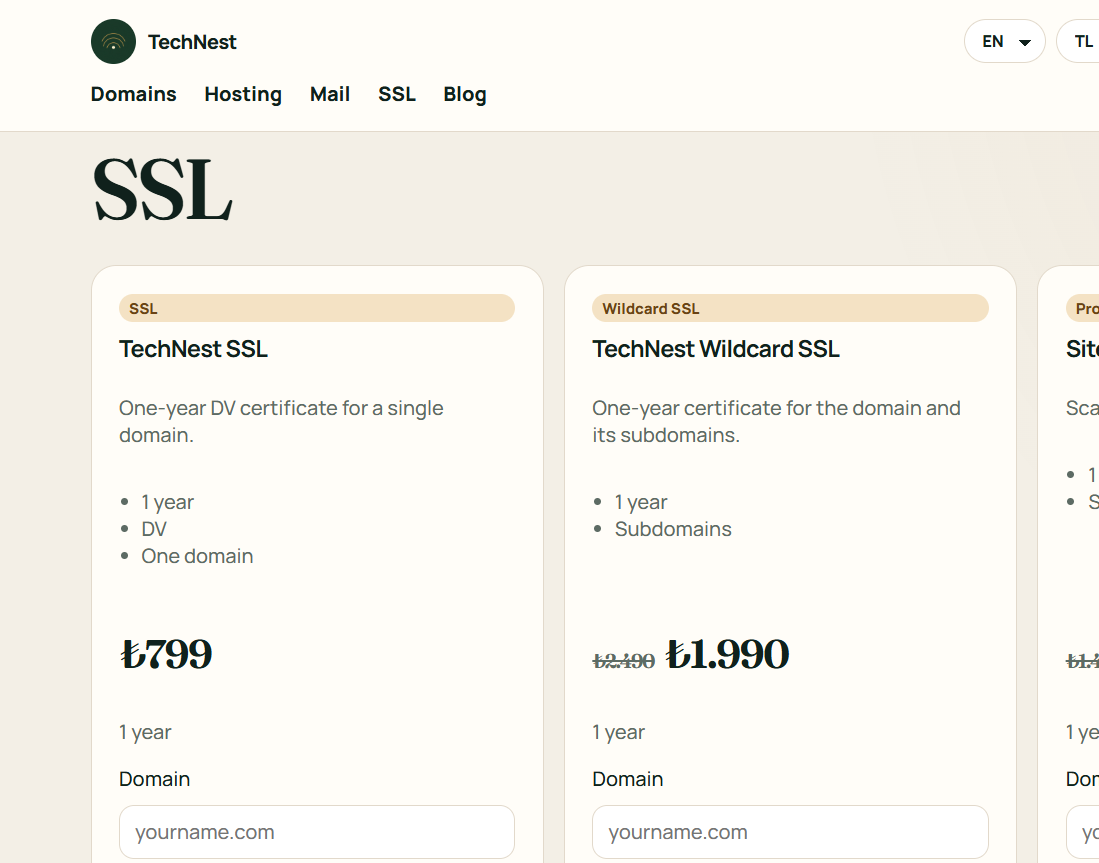

  1. Buy the SSL card from the security page with the right domain.
  2. Open the confirmation message in the mailbox on that domain.
  3. If the lock does not show, select the certificate for the site inside the hosting panel.

Related guides

How an SSL certificate attaches to the site · TechNest Hosting