TechNest
Start

Guides · Mail

Open business mail on your domain

The mailbox opens as info@yourdomain. A mailbox is not created on the TechNest address.

The domain must already be active. Buy the mail product for that name. If DNS is here, the MX record is written for you. If DNS is elsewhere, you add the MX.
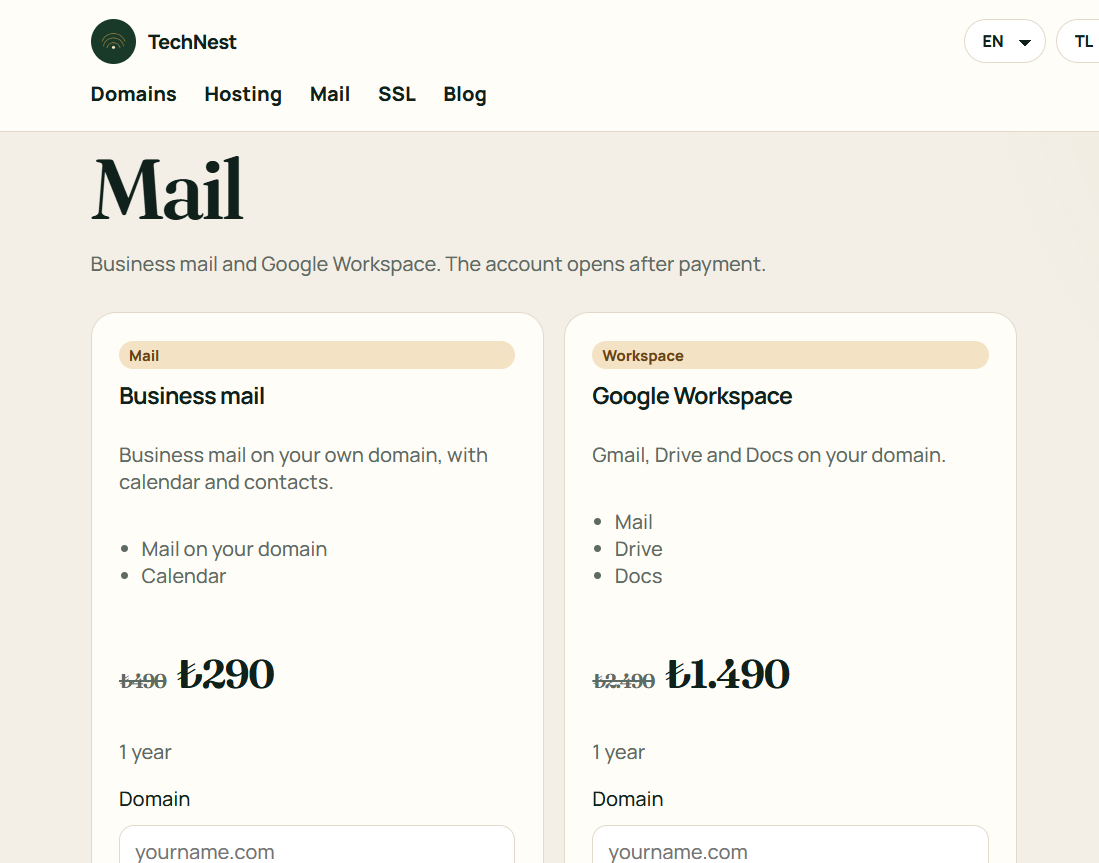

  1. On the mail page, buy the business-mail card with your domain.
  2. When the account is open, create the mailbox from the panel.
  3. In the mail program use IMAP 993 and SMTP 587. The server is mail.yourdomain.

Related guides

Open business mail on your domain · TechNest Hosting