Registration, transfer and privacy on popular extensions.
One site, several sites, or a server of your own.
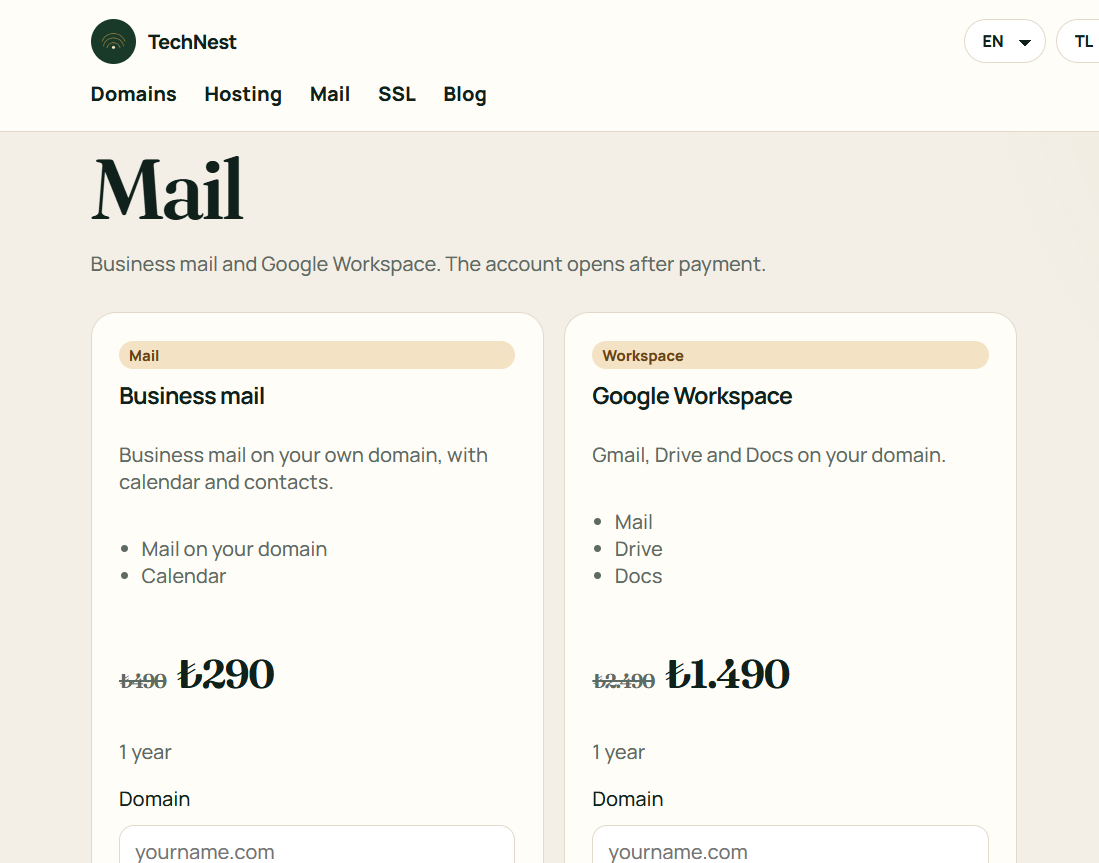
Business mail on your own domain.
Certificates, protection, backup and watching, each on its own shelf.
A site from ready blocks. No technical setup.
Guides · Mail
Incoming is IMAP, outgoing is SMTP. The password is the mailbox password.
The server name looks like mail.yourdomain.com. If a certificate warning appears, check the address. Do not accept the warning forever.
 TechNest