Registration, transfer and privacy on popular extensions.
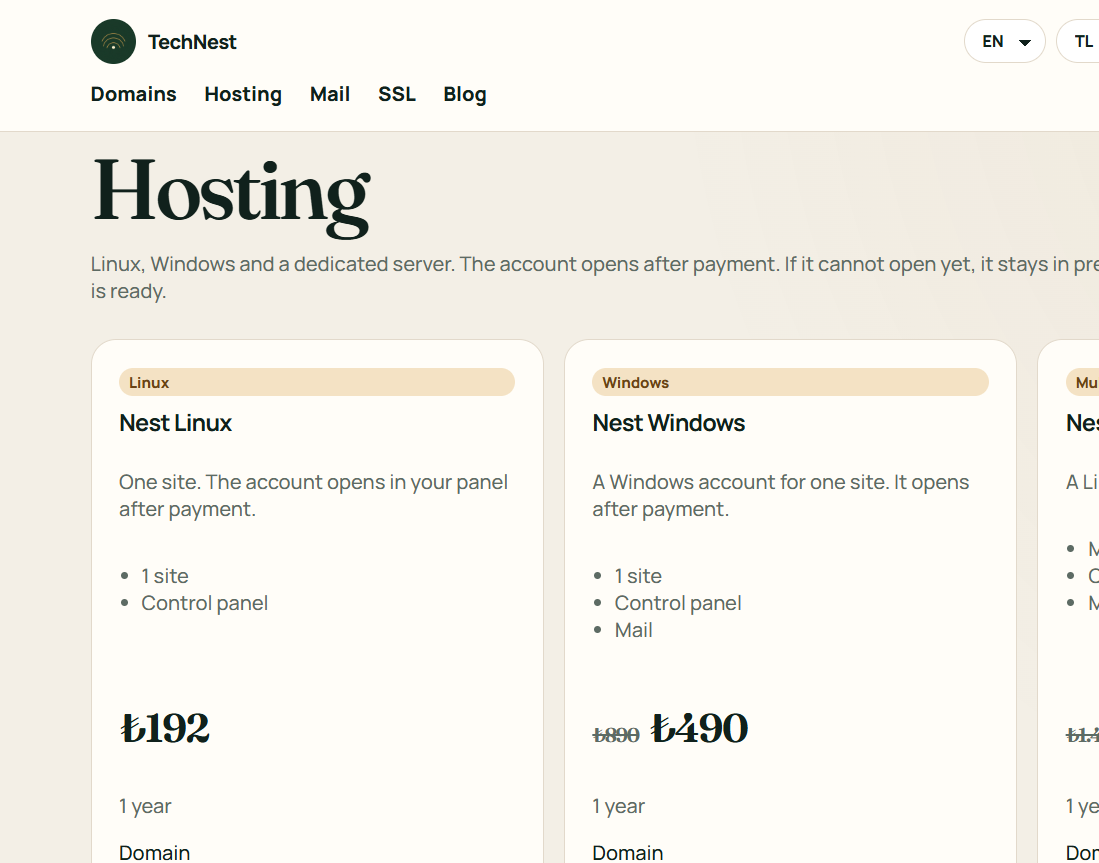
One site, several sites, or a server of your own.
Business mail on your own domain.
Certificates, protection, backup and watching, each on its own shelf.
A site from ready blocks. No technical setup.
Guides · Hosting
A white screen is PHP hiding an error. The site has not been deleted.
Renaming the last plugin to turn it off is often enough. Renaming the plugin folder does not ask for the admin password.
 TechNest