Registration, transfer and privacy on popular extensions.
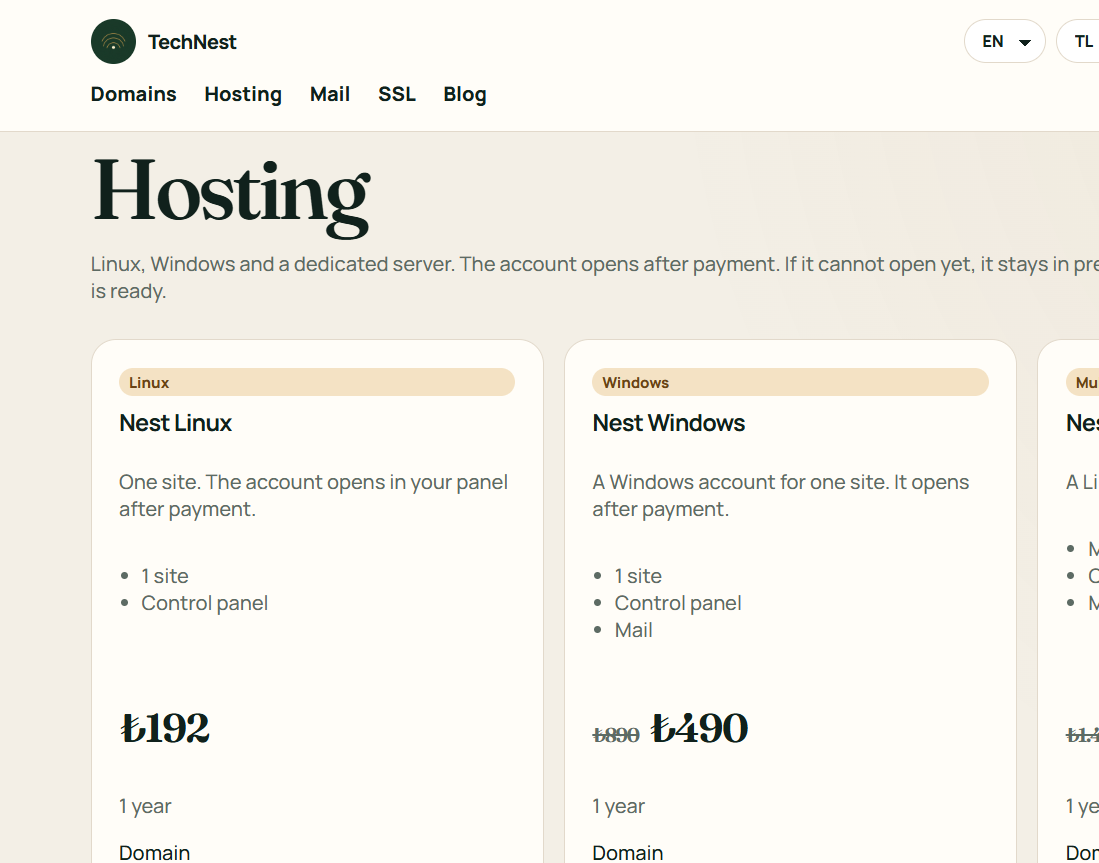
One site, several sites, or a server of your own.
Business mail on your own domain.
Certificates, protection, backup and watching, each on its own shelf.
A site from ready blocks. No technical setup.
Guides · Hosting
WordPress and the plugins ask for a particular PHP. Do not pick the newest one at random.
The version belongs to the site folder. If a white screen appears, go back to the previous version.
 TechNest