Registration, transfer and privacy on popular extensions.
One site, several sites, or a server of your own.
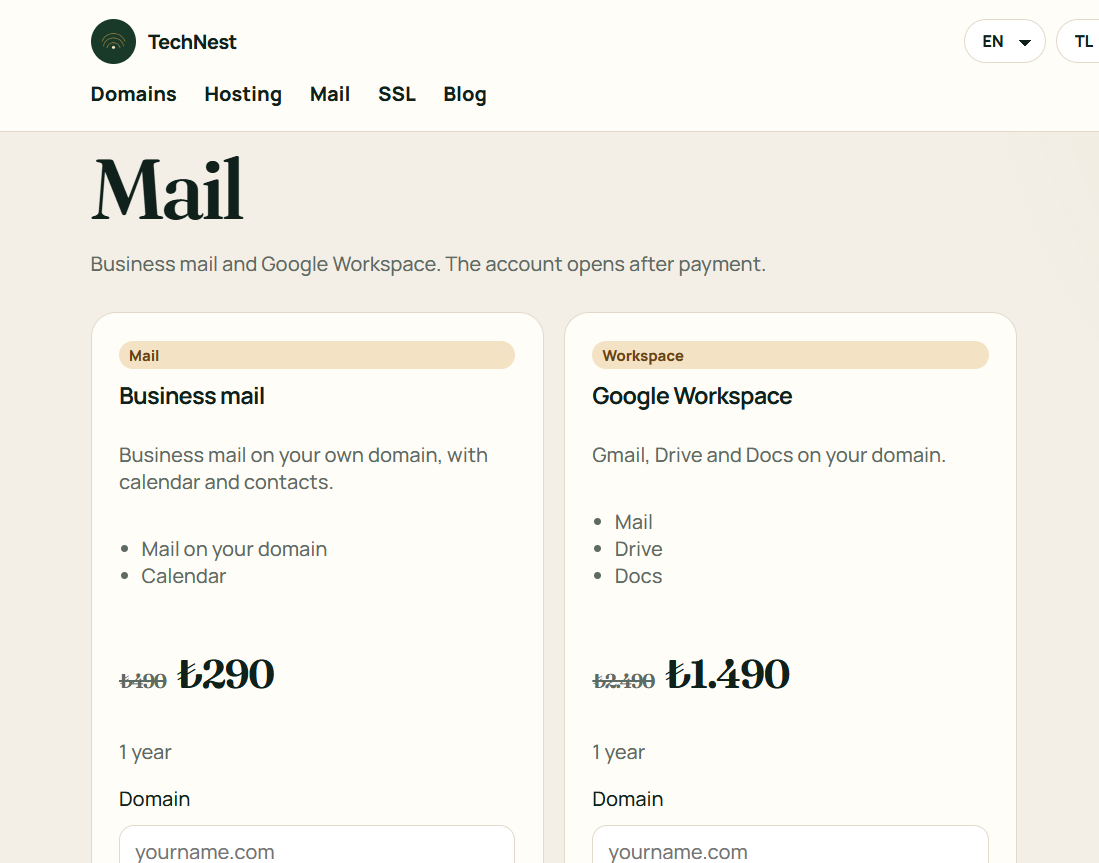
Business mail on your own domain.
Certificates, protection, backup and watching, each on its own shelf.
A site from ready blocks. No technical setup.
Guides · Mail
If you bought Workspace, the domain MX row must point at the server Google gives you.
If the old hosting MX stays, mail splits. One copy goes to the old box, one to Google. Leave a single destination.
 TechNest