Guides · Getting started
TR, EN, DE, RU, AR and TRY, USD, GBP sit in the header. The choice is remembered.
The first visit follows the browser language. A Turkish browser stays on the Turkish page. English opens /en, German /de, Russian /ru, Arabic /ar. Changing the box remembers the choice for a year.
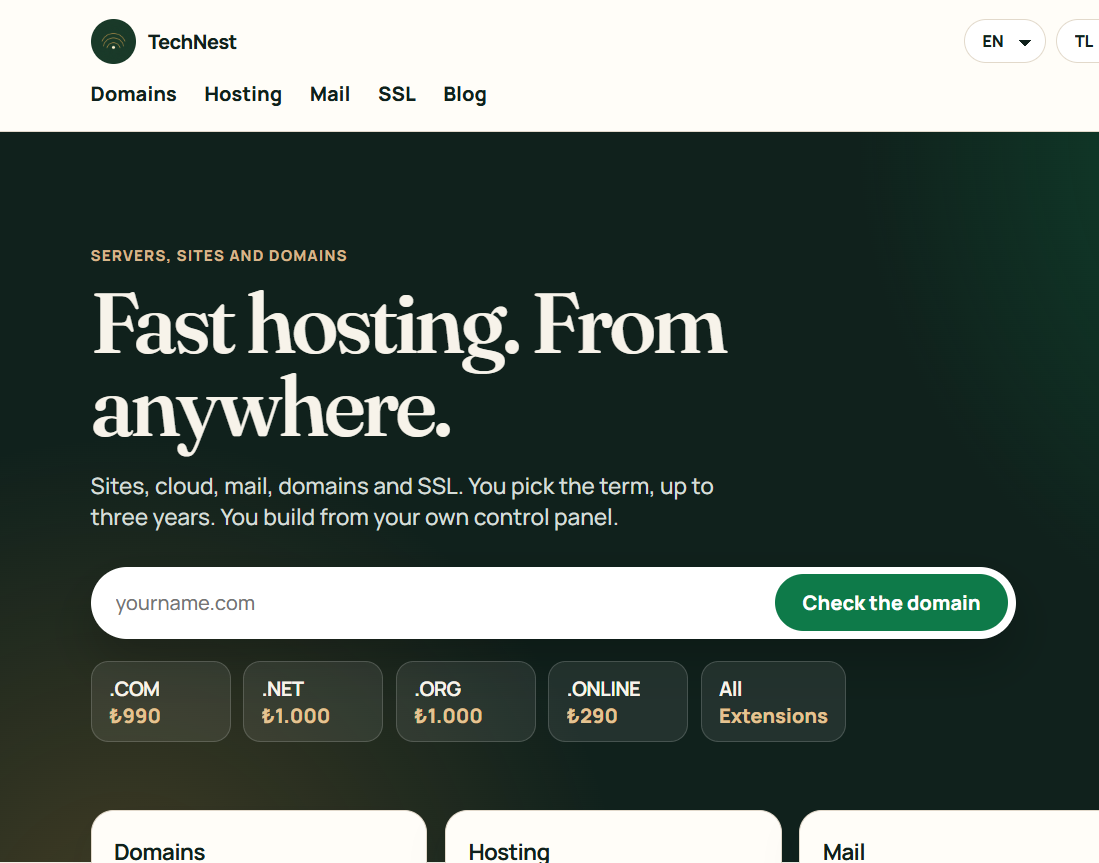
Currency only changes how the price is shown and what Stripe charges. A UK English browser is offered pounds, a US English browser dollars. You can switch back to TRY at any time.
 TechNest