Guides · Getting started
Membership needs your name, email, phone, address and a password. No card is asked here.
On the join page, enter your name, email, phone, full address and the password twice. The account does not open until you accept the privacy notice. Use at least eight characters. If the email is already used, pick another one.
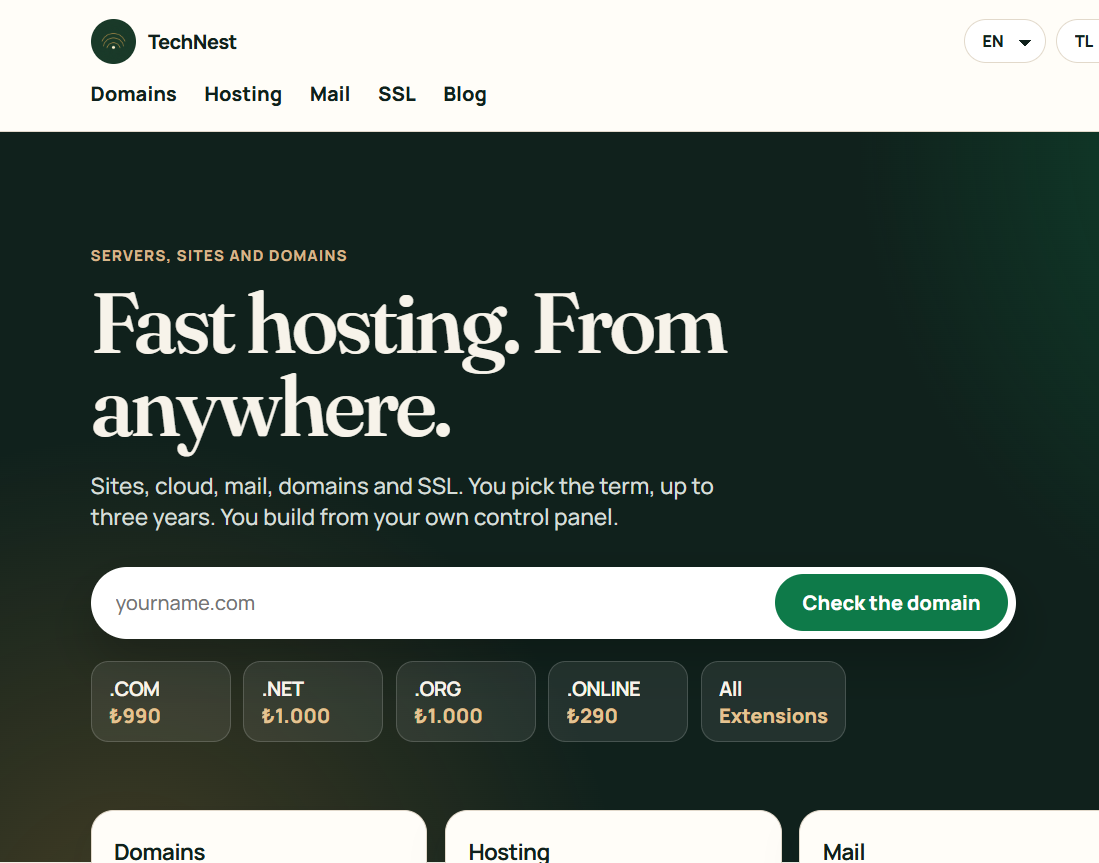
After joining you land in the panel. An empty list is normal until you buy something. Choose a domain, hosting, mail or security card.
Do not create a second account if you forgot the password. A ticket opens only after you sign in. If you cannot sign in, write from the registered address to cemwebyazilim@gmail.com.
 TechNest