Guides · Site and cloud
Nest Cloud opens after payment. The management details appear on the card in the hosting row.
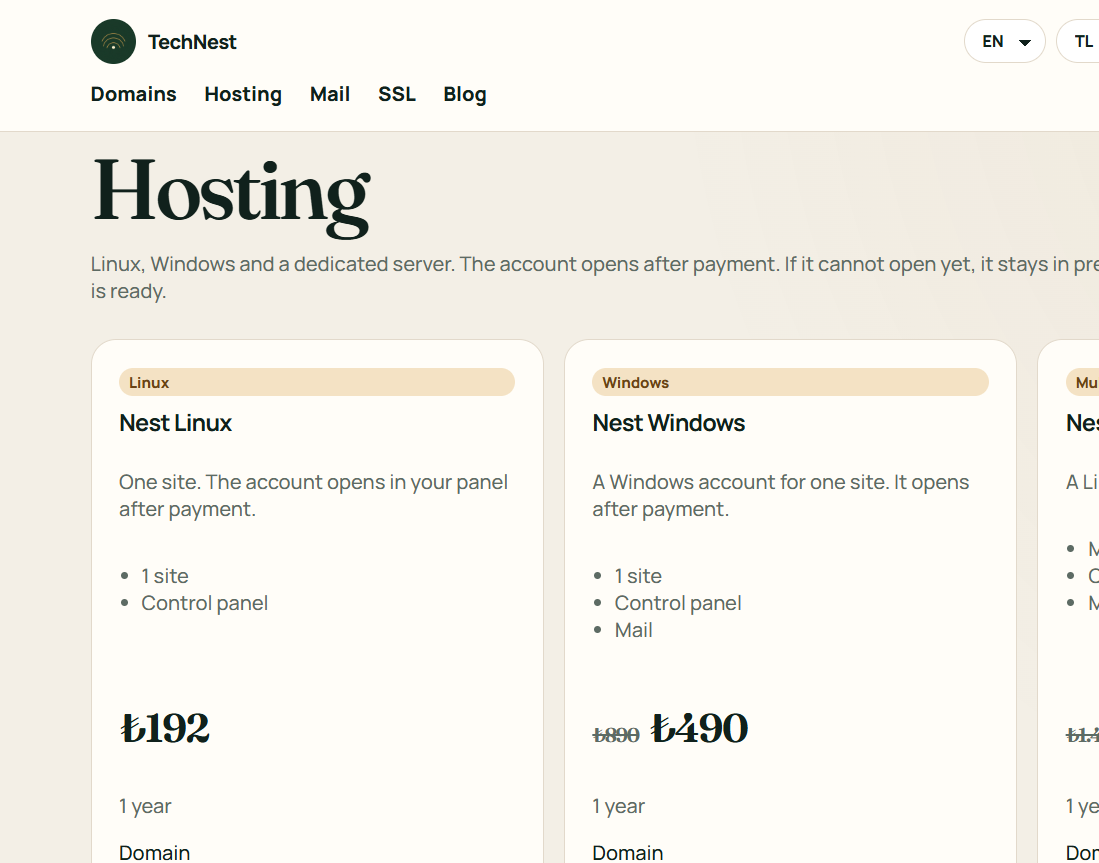
Cloud is separate from a shared single-site plan. This product has no cPanel button. When the card is ready, the address and the user are written there. Do not wait for an early button.
 TechNest