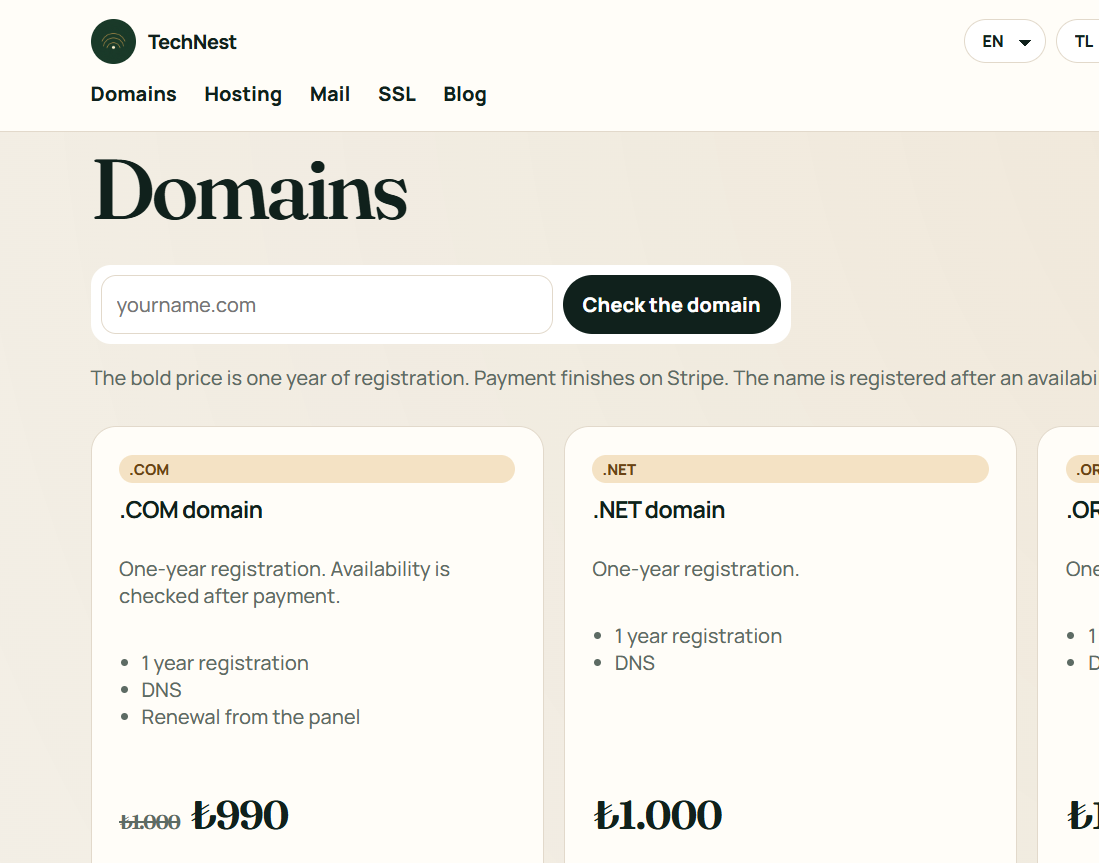
Registration, transfer and privacy on popular extensions.
One site, several sites, or a server of your own.
Business mail on your own domain.
Certificates, protection, backup and watching, each on its own shelf.
A site from ready blocks. No technical setup.
Guides · Domains
Get the auth code from the old company, buy the transfer, and enter the code in the panel.
Transfer works when you already own the name. With the lock open and the right auth code, the registration joins this account.
 TechNest